
How to set up a group chat for an alumni network
Alumni scatter across cities and phone numbers change. How an organiser sets up a group chat for an alumni network that people actually join and keep.
For organisers of associations, clubs and alumni networks: running the group chat, and moving it.
Alumni scatter across cities and phone numbers change. How an organiser sets up a group chat for an alumni network that people actually join and keep.
GroupMe keeps numbers hidden from other members; WhatsApp is what most members already have. What a club organiser should compare before choosing.
The club is winding down but the group chat lives on. How an organiser announces the end, keeps what matters and closes the chat cleanly.
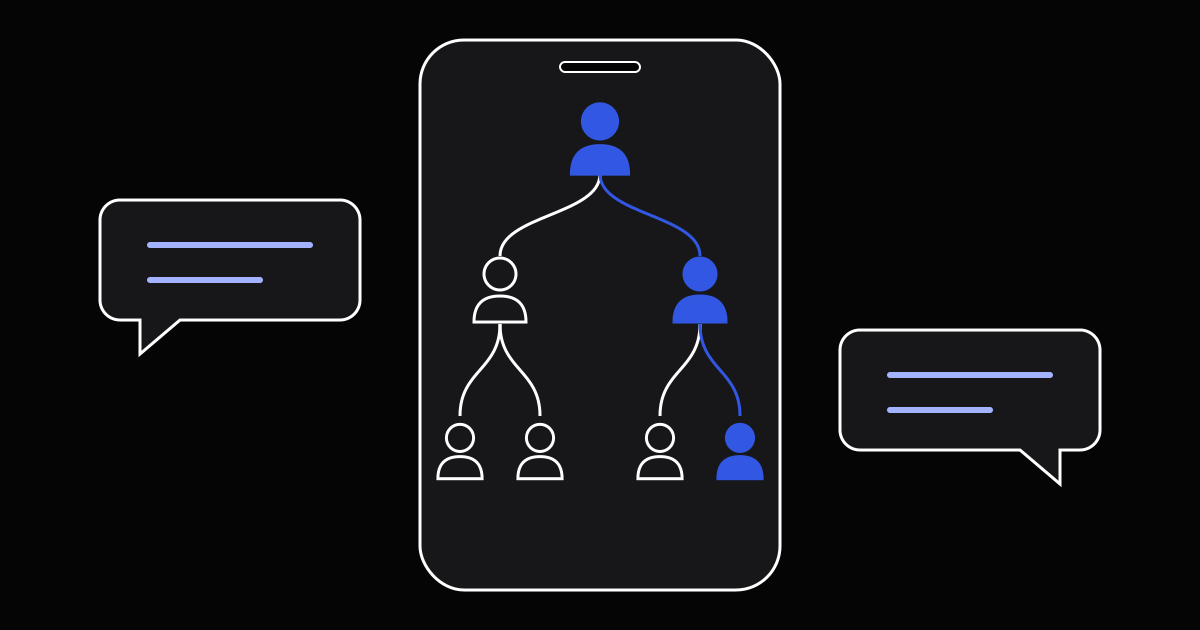
In a WLP Chat room every member arrives through someone's invite link. What the invitation chain shows an organiser, and what it does not.

A member's phone is lost or stolen and the club group chat is still open on it. The steps an organiser takes in the first hour and the first week.
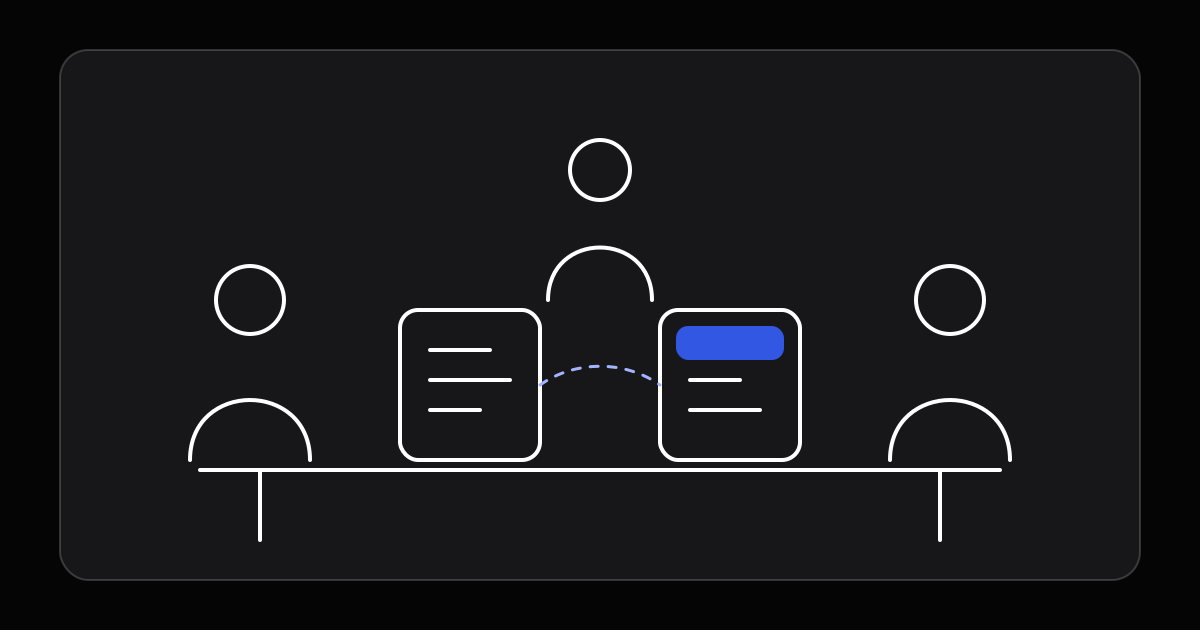
Both are popular, both encrypt messages, and they differ in who already has the app. What a club organiser should compare before choosing.
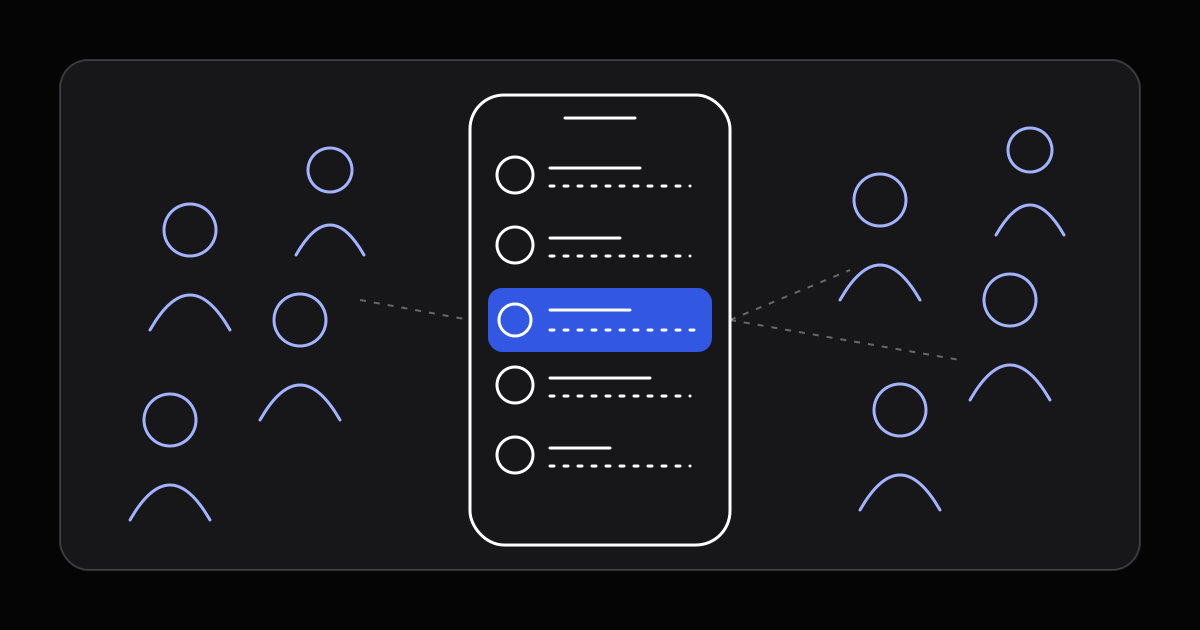
Phone numbers in a club group chat are personal data. What a volunteer organiser in the UK or EU should think about, in plain words, with no legal jargon.
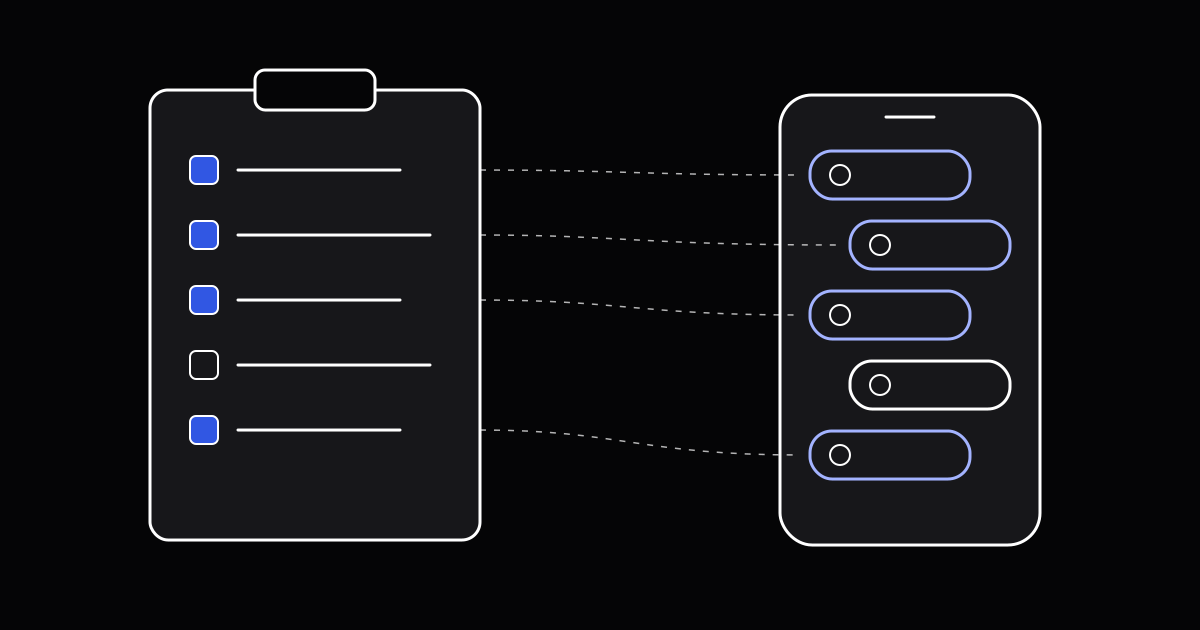
Paid-up members missing from the chat, lapsed ones still in it. How a club organiser matches the two once a season and keeps them matched.
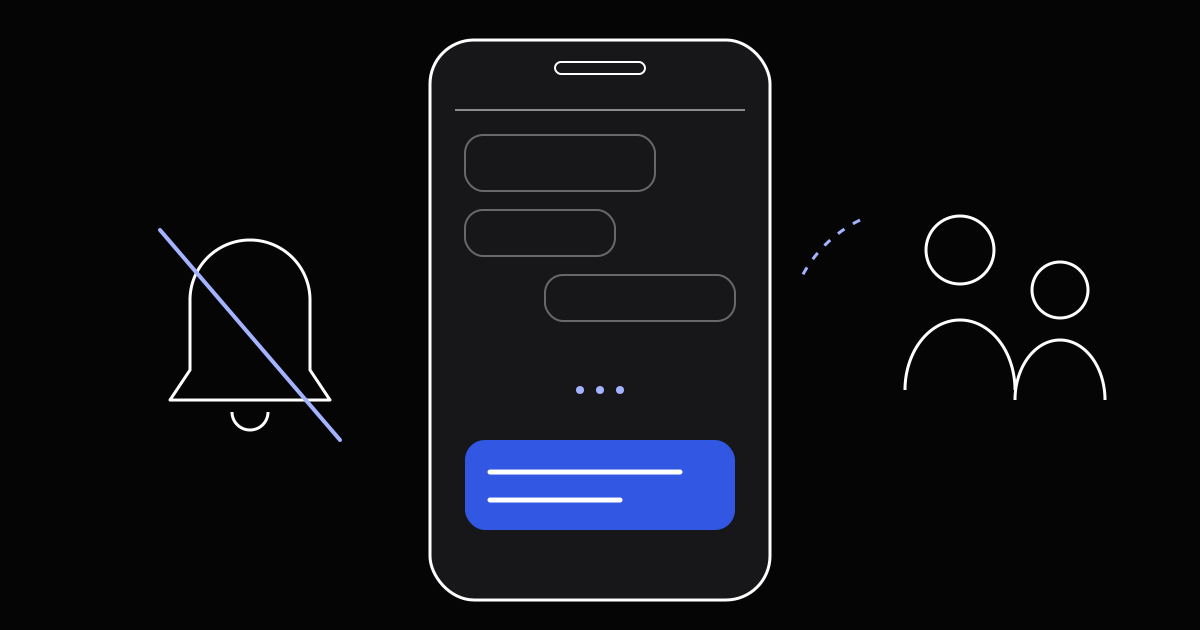
Nobody has posted in the club group chat for weeks. How organisers find out why, restart it with one useful post, and keep it going without nagging.
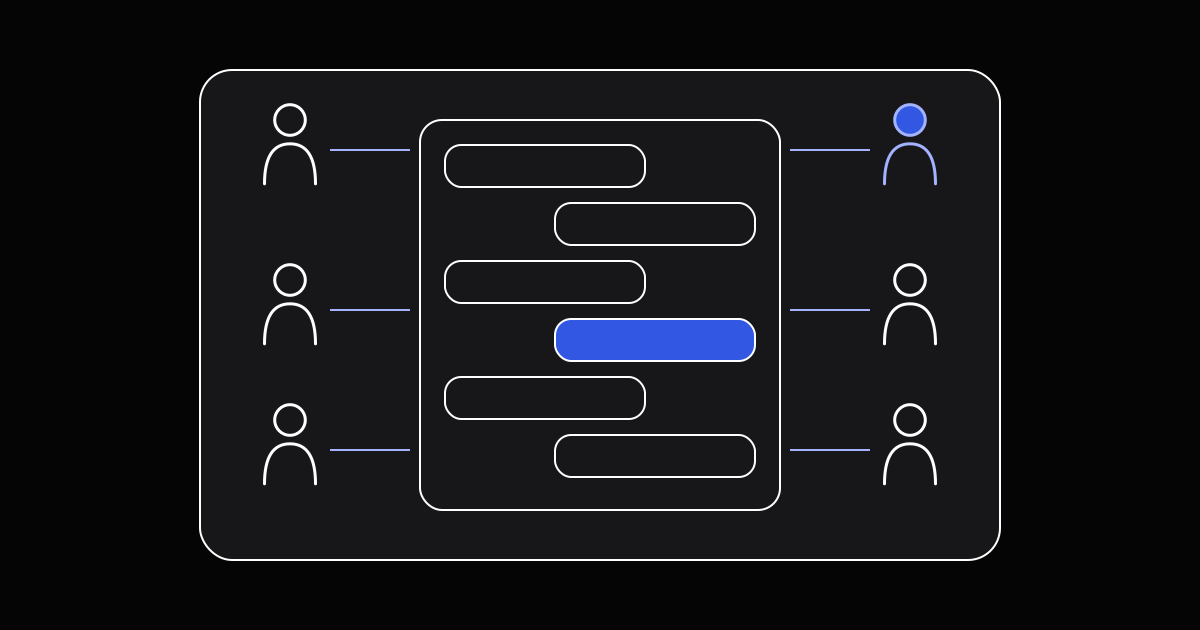
In a WLP Chat room everyone talks in the room. Why we left out private messages between members, what organisers gain, and what members do instead.

Slack suits committees that already work in it; WhatsApp reaches members where they are. A fair comparison for associations of 50 to 500 members.
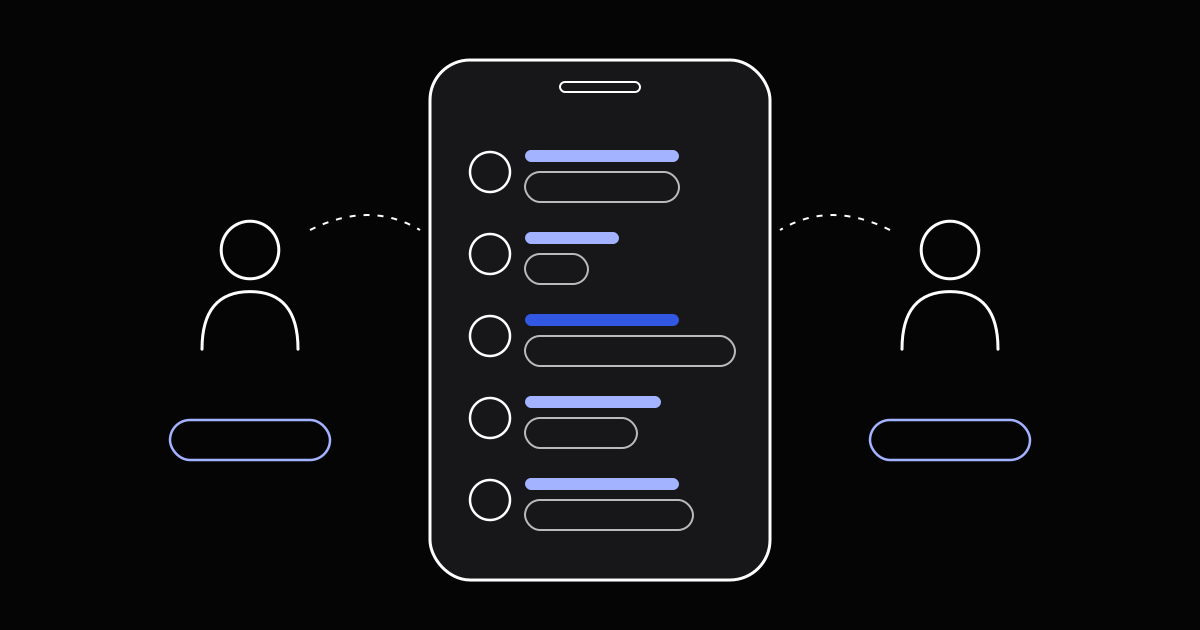
Full names, first names or nicknames? How organisers of a club or association choose a naming rule for the group chat that members trust and can follow.
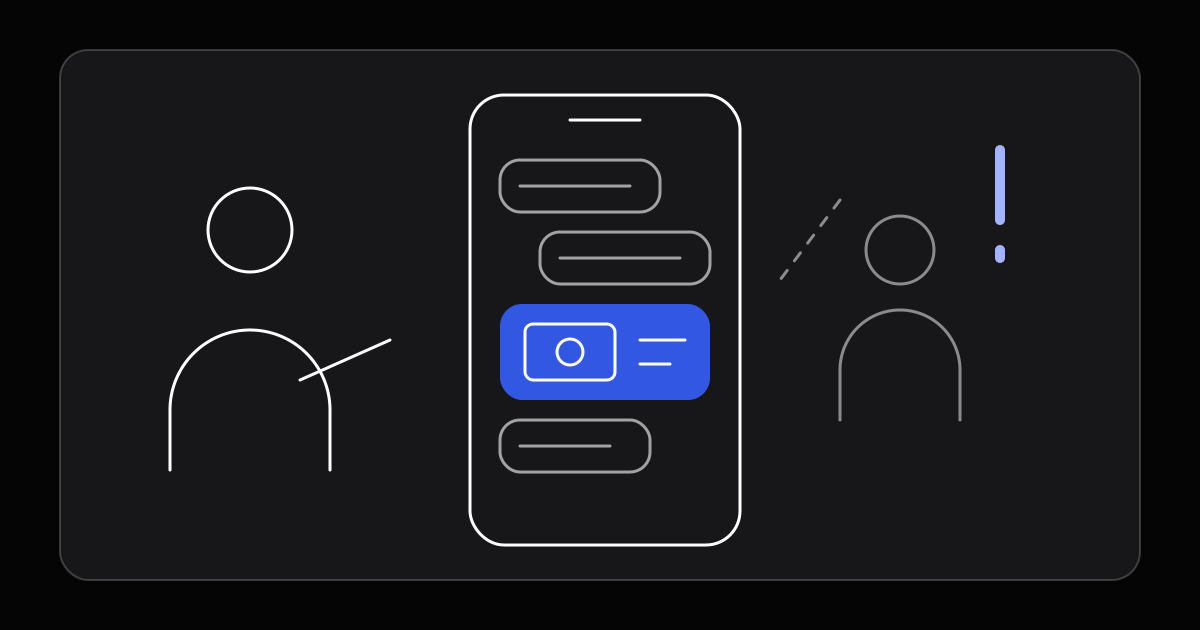
A fake prize, a “new number” plea, a crypto tip: how organisers spot scam messages in a club chat, warn members and close the gap they came through.
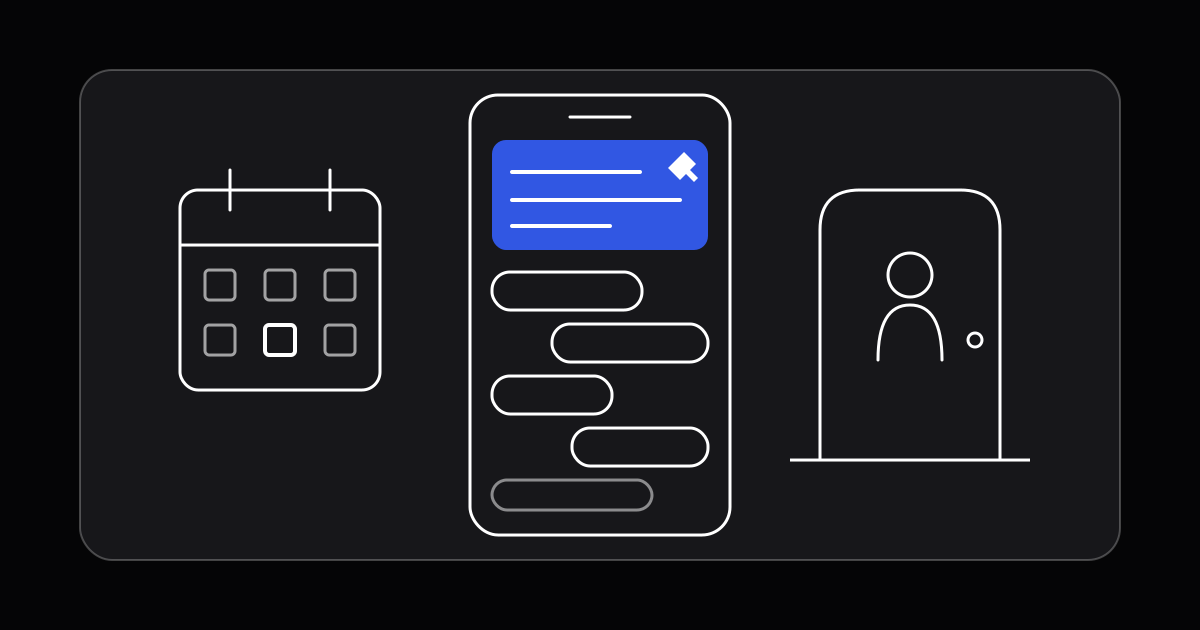
Dates, places and who is bringing what get buried in a busy club group chat. A simple way to post an event so members find the details.
A local business can pay for a club’s room with one labelled tile on its Home. What members see, what the sponsor gets and what is never allowed.
Discord servers suit some clubs, WhatsApp groups suit others. What changes for members and organisers, and how to choose for an association.
One organiser can’t watch a club group chat every evening. How to choose a second moderator, what to hand over and how to split the work.
Members of a diaspora club or association write in two or three languages. How an organiser keeps one group chat readable for everyone.
When you exit a WhatsApp group only the admins are notified, but members can find you in Past members for 60 days. How to leave, and what each person sees.
WhatsApp has no Nobody option, but you can stop strangers adding you to groups. The steps for Android and iPhone, what still gets through, and what to do next.
A poll in the chat is quick, but who voted, who saw it and who decides? How organisers run a vote members accept, from the question to the result.
What a WhatsApp group admin can do, and what each group setting controls: approving members, admin-only messages, adding admins, removing people, the link.
A Facebook group keeps posts findable; a group chat gets read today. What each does for a club of 50 to 500 members, and when to run both.
Two members are arguing in front of everyone and the chat is taking sides. What an organiser says in the first hour, in private and afterwards.
Photos from the club’s last event can delight one member and worry another. A simple photo rule organisers can agree, post and keep.

When members mute the club chat, announcements get lost. How organisers separate news from conversation without starting five groups nobody reads.

A fair comparison for association organisers: announcements, discussion, who sees what, and how members leave. When to keep the email list and when to chat.
Someone nobody knows is in your club or association chat. How to find out who invited them, when to remove them, and how to stop the link spreading.
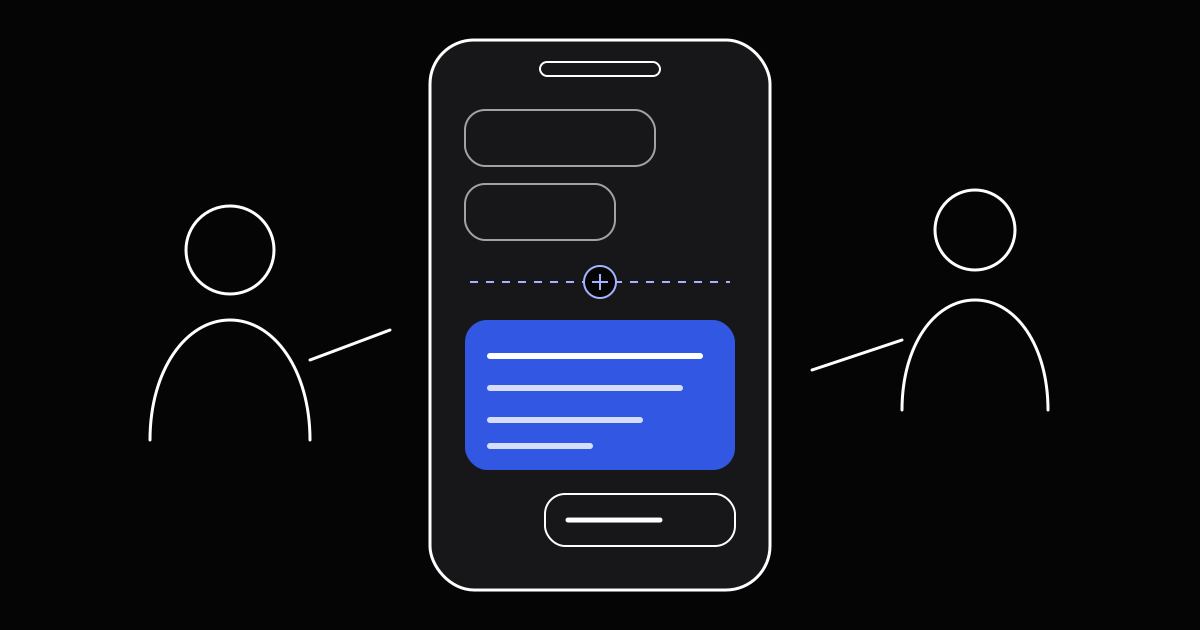
What to put in a welcome message for new members of a club or association chat: who runs it, the rules, what to post first, and how to ask for help.
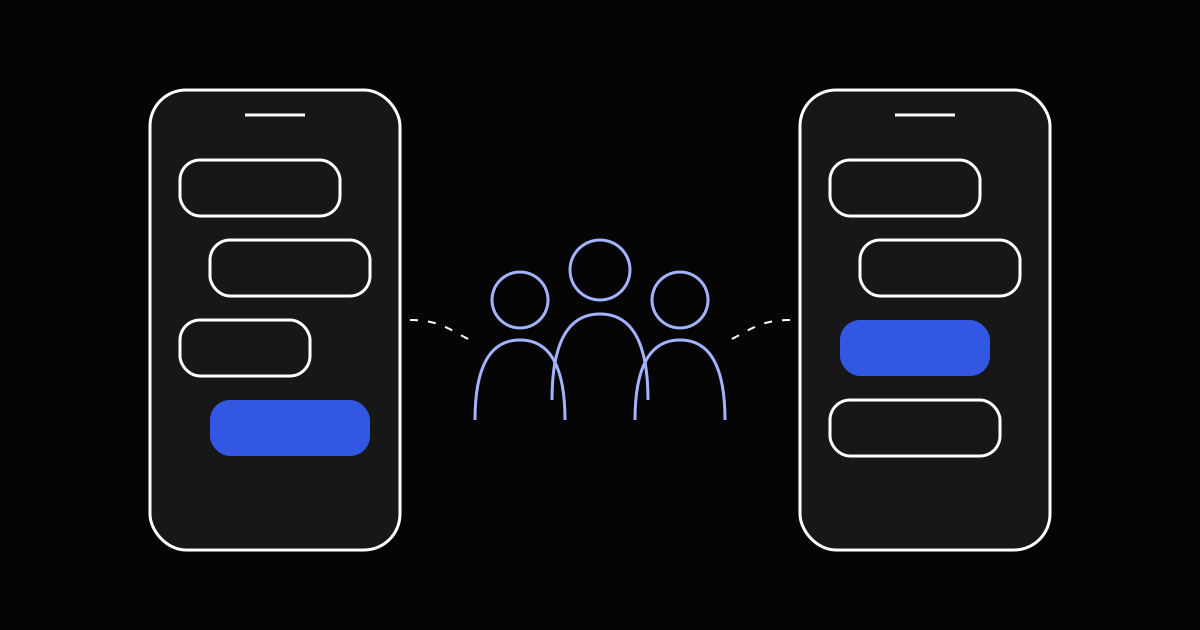
A fair comparison for organisers of clubs and associations: how members appear, how people join, what admins control, and what to ask before you pick.
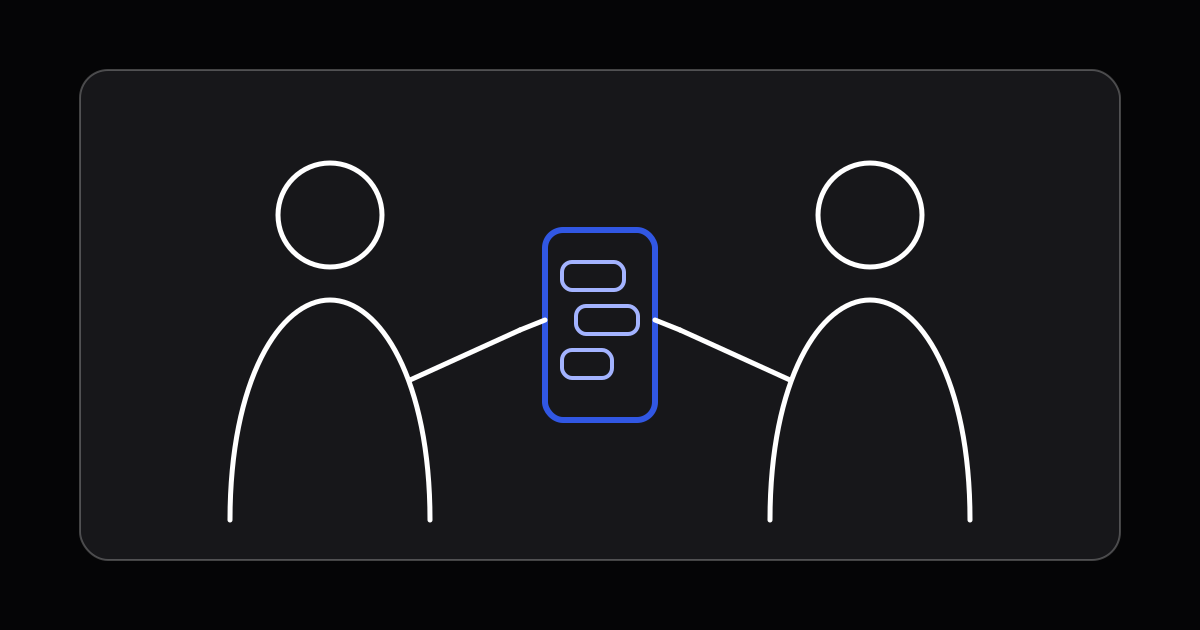
The admin who set up the group is leaving the committee. How to pass on admin rights, links and rules without losing members or leaving a door open.
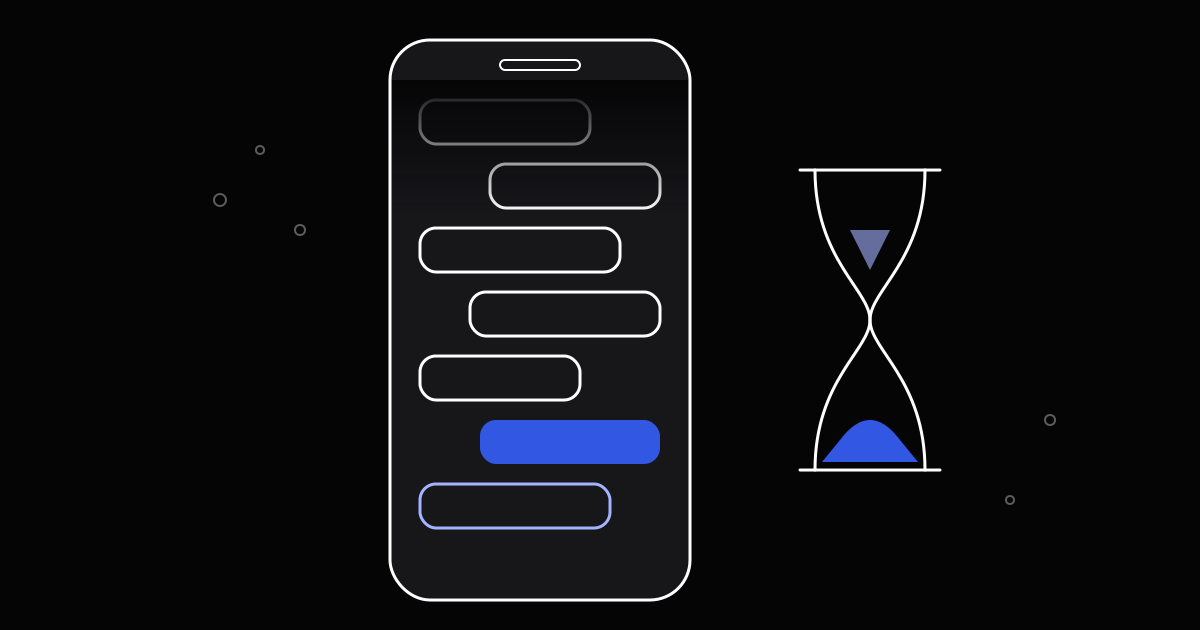
Old messages in a club group chat outlive the people who wrote them. How to pick a retention period, tell members, and keep what the group really needs.
What Signal groups hide and show: phone numbers, invite links, admin approval and group size, and where they fall short for 50 to 500 members.
Open links, any member adding anyone, or a few named people inviting: how each invite policy plays out in a club of 50 to 500 adults, and how to choose.
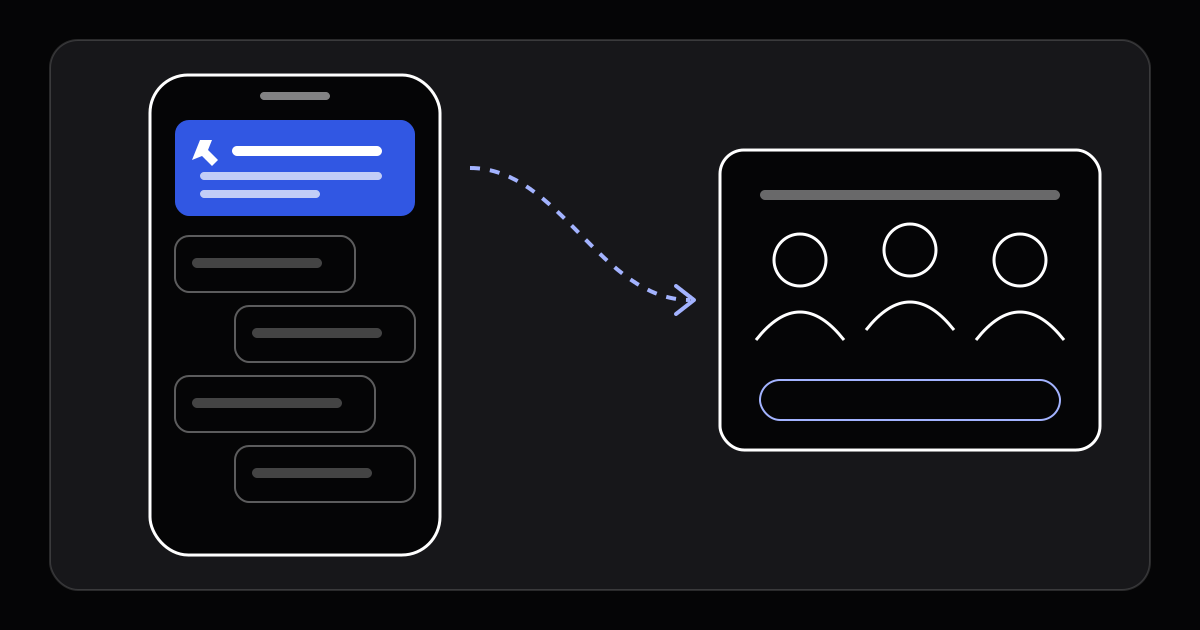
Messages to copy when your club or association moves its group chat: the first announcement, two reminders and the read-only notice, plus the WhatsApp steps.
Who sees phone numbers in a Telegram group, what usernames and a hidden member list change, and what an organiser of 50 to 500 members can set up.
What an invite link shows before you join, how expiry, use limits and revoking work, and why you get a separate name in each room with no phone number.
A fair comparison for organisers of 50 to 500 members: what a WhatsApp group and a Community each do well, and when Telegram, Signal or email fit.
Five rules a club or association can post this week, where to put them so members read them, and how admins can enforce them without a row.
WhatsApp doesn’t remove quiet members by itself. A one-week plan to find who’s inactive, give notice and remove them, with the steps for Android and iPhone.
Create a WhatsApp username and group members who haven’t saved your number see your @name instead. Steps for Android and iPhone, and what stays visible.