
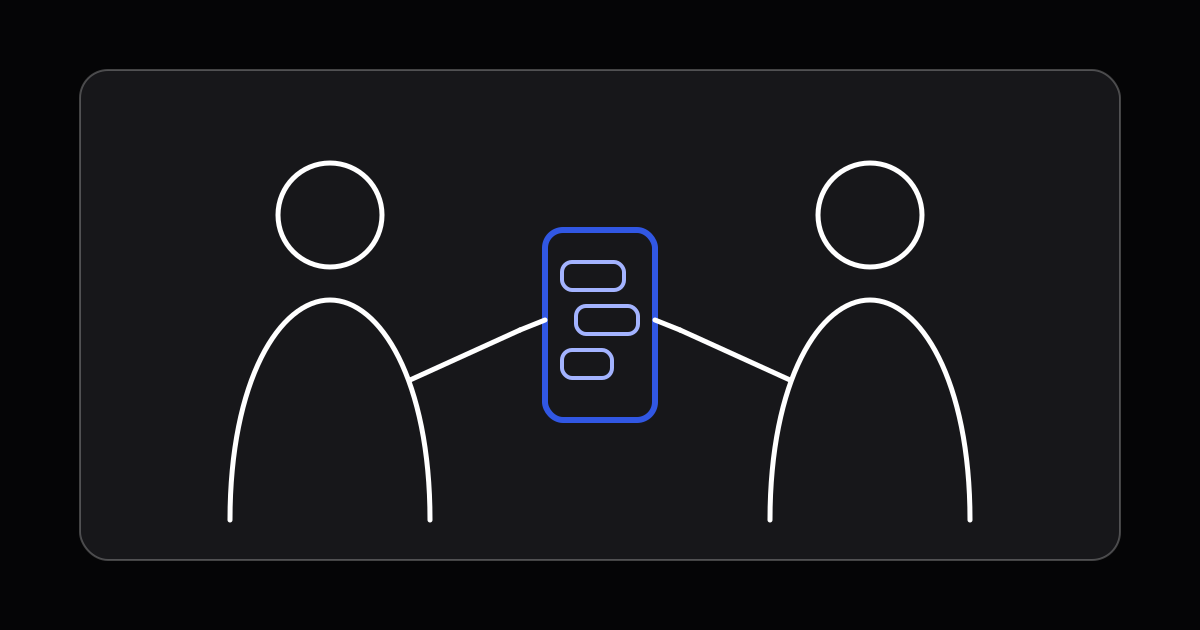
The person who made the group is often the only one who can run it. So plan the handover before the AGM, not the week after someone has said goodbye and stopped answering messages. Picture a diaspora association whose chat has outlived the committee that set it up, with nobody left who can remove a spammer or change a rule. It’s fixable, but it’s far easier while the outgoing organiser is still around and willing. Our advice is to put the handover on the agenda as its own item, with a date, the same way you’d hand over the bank mandate.
Find out who holds what
Start with an inventory, because the group is rarely just one thing. Who has admin rights today? Often it’s the founder plus one or two people nobody remembers adding, sometimes a member who moved abroad years ago. Each of them can still change the group, so each belongs on the list.
Then look for the invite links. There may be one in the newsletter, another on the website and a third in an old poster file. Find the rules post too, and check whether it’s pinned and still says what the committee agreed. Last, ask about anything tied to one person: a phone number the group was created from, an email account, a linked page. We’d write all of this on one page and share it with the committee, not in the chat itself. Ten minutes of listing saves a month of guessing.
Add the new organiser before the old one leaves
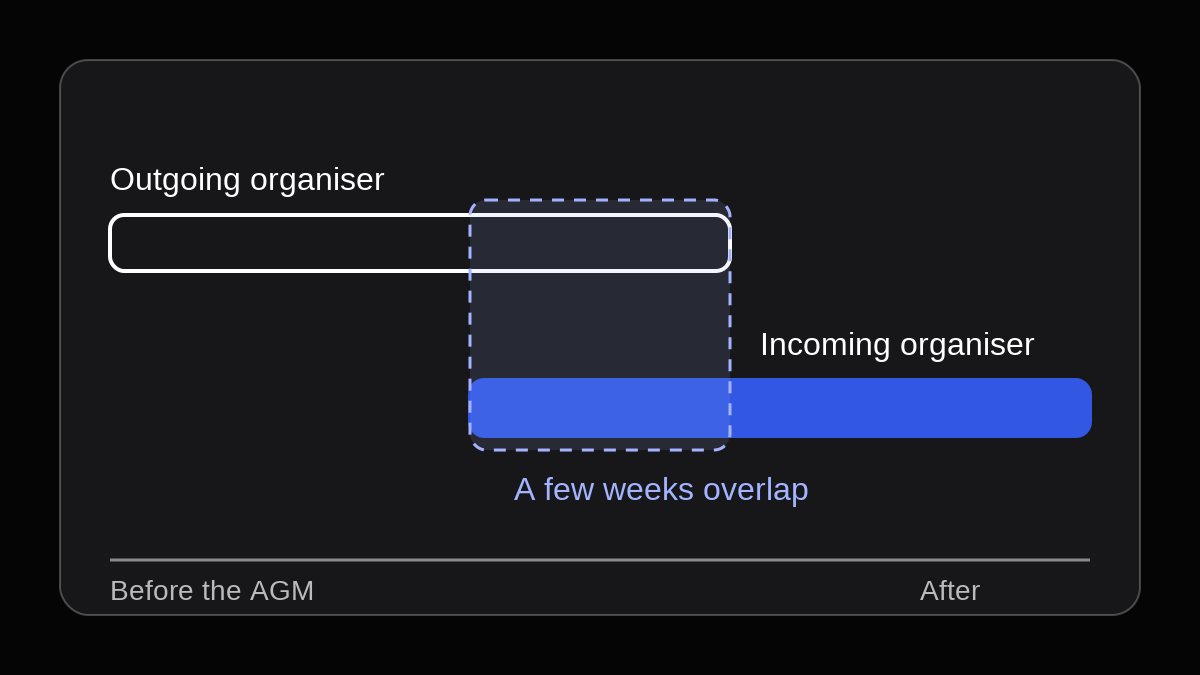
Don’t do the swap in one evening. Make your successor a group chat admin while the outgoing person still holds the role, and let the two overlap for a few weeks. That way the incoming person sees how requests come in, who tends to post at midnight and which members need a gentle word. We’d suggest the outgoing person stays quiet for the second week and lets the incoming one handle everything, with help only when asked.
Apps handle admin roles differently, and the menus change, so check the app’s current settings for what a second admin can and can’t do. Some let any admin remove another. Some keep the creator above everyone. Know which kind you have before you rely on it. If the creator can’t be demoted, that’s the first thing to raise with the committee, because the next group chat admin will be working around them.
Reset the links
Here’s a detail people miss: old invite links keep working. A link printed in a newsletter from three years ago may still let anyone in.
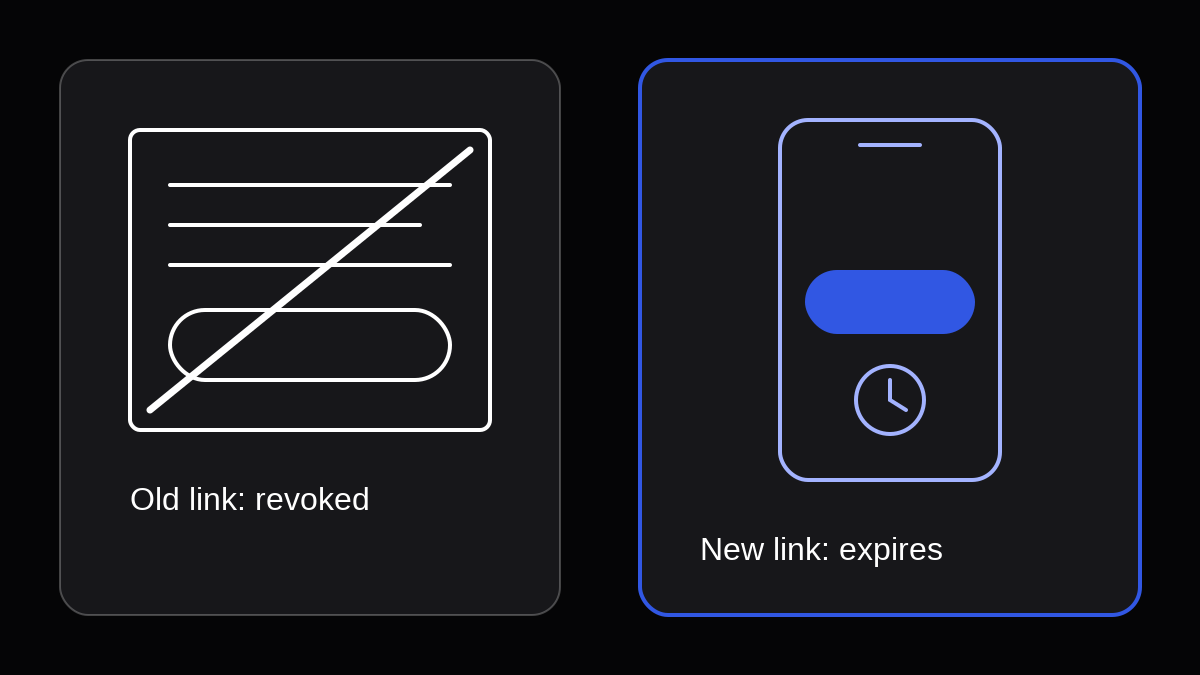
So once your successor is in place, revoke the old links and issue new ones that they control. Put the new link only where the committee wants it. If your app supports expiring invite links, use them; a link that dies after a week can’t leak for years. It’s a small job, and it closes a door you probably didn’t know was open. We’d also ask the outgoing organiser to delete any saved copy of the link from their phone notes, so nobody forwards it out of habit.
Roles with limits
A handover is a good moment to write down who does what. In most clubs three roles are enough: an organiser who owns the group, moderators who act where they’re allowed (removing spam, answering newcomers), and members. Put it in two or three sentences in the rules post, so the next handover starts from paper and not from memory. Our rule of thumb: if a power isn’t written next to a role, nobody has it by default.
We built WLP Chat around roles with limits for organisers for exactly this reason. A moderator who can mute a thread doesn’t also need the power to delete the room.
When the old admin won’t let go
It happens. Someone ran the chat for years, and stepping down feels like losing a piece of the club. Don’t argue it out in the group. Ask the committee to decide, write the decision down and send it to the person privately, calm and factual. Most people accept a clear vote, especially when it comes with a thank-you and a date. If they don’t, the committee can ask members to move to a new group, which is slower but clean.
Telling the members
One short message is enough. Say who now runs the group, who to contact about joining and what stays the same: the rules, the purpose, the usual events. Thank the outgoing organiser by name if they agree to it. We’d post it from the incoming organiser’s account, so members see the new name in action from day one.
Skip the long story of why. Members want to know the group still works, and they’ll read two lines on a phone. They won’t read ten.
FAQ
What if the group’s creator has disappeared?
You may not be able to remove them. Some apps don’t let anyone demote the person who created the group, so check the current settings first. If the creator still holds powers you can’t take away, starting a new group and inviting members across is often simpler than working around them.
Should the outgoing organiser stay in the group?
Yes, as a member, without admin rights. They know the history and can answer questions. But a former group chat admin who keeps the powers can undo decisions, even by accident.
Handover in a WLP Chat room
In WLP Chat the organiser, moderator and member roles each have limits written in, so a handover means changing one role rather than untangling who can do what. The incoming organiser can see the invitation chain and revoke invite links, so access issued under the previous organiser doesn’t linger. One honest note: messages are end-to-end encrypted, and an independent security audit is planned but not done yet.
If you’re about to hand over the group to a new organiser, that’s also a natural moment to move it: the next person starts with a clean list instead of inherited admins. Whether or not you hand over the group this year, if you organise a group of 50 to 500 adults, you can tell us about your organisation and we’ll reply within two working days.