
Get the app
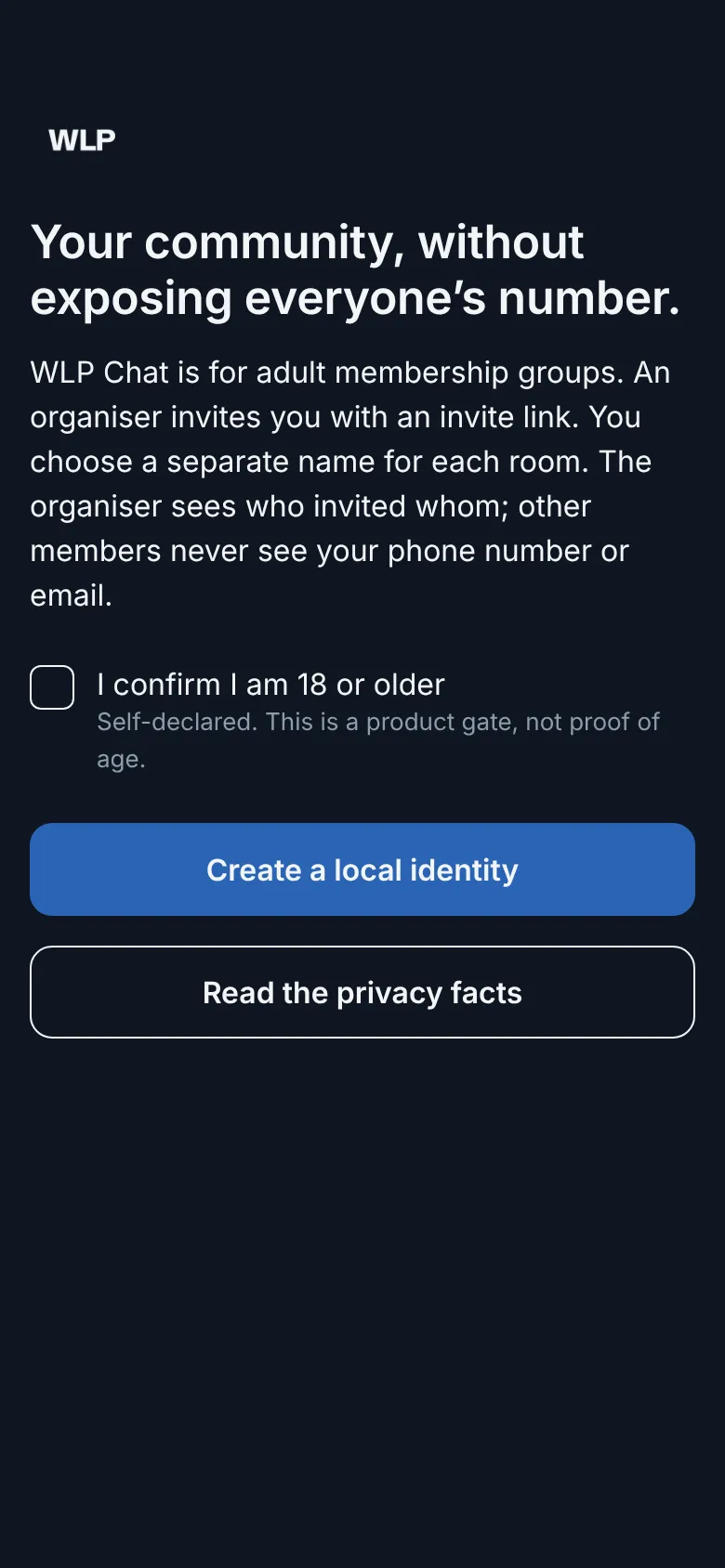
WLP Chat works in the browser on any phone or computer. Your invite link opens it.
Add it to your home screen
iPhone and iPad Web app
Open your invite link in Safari. Tap Share, then Add to Home Screen.
Android Web app
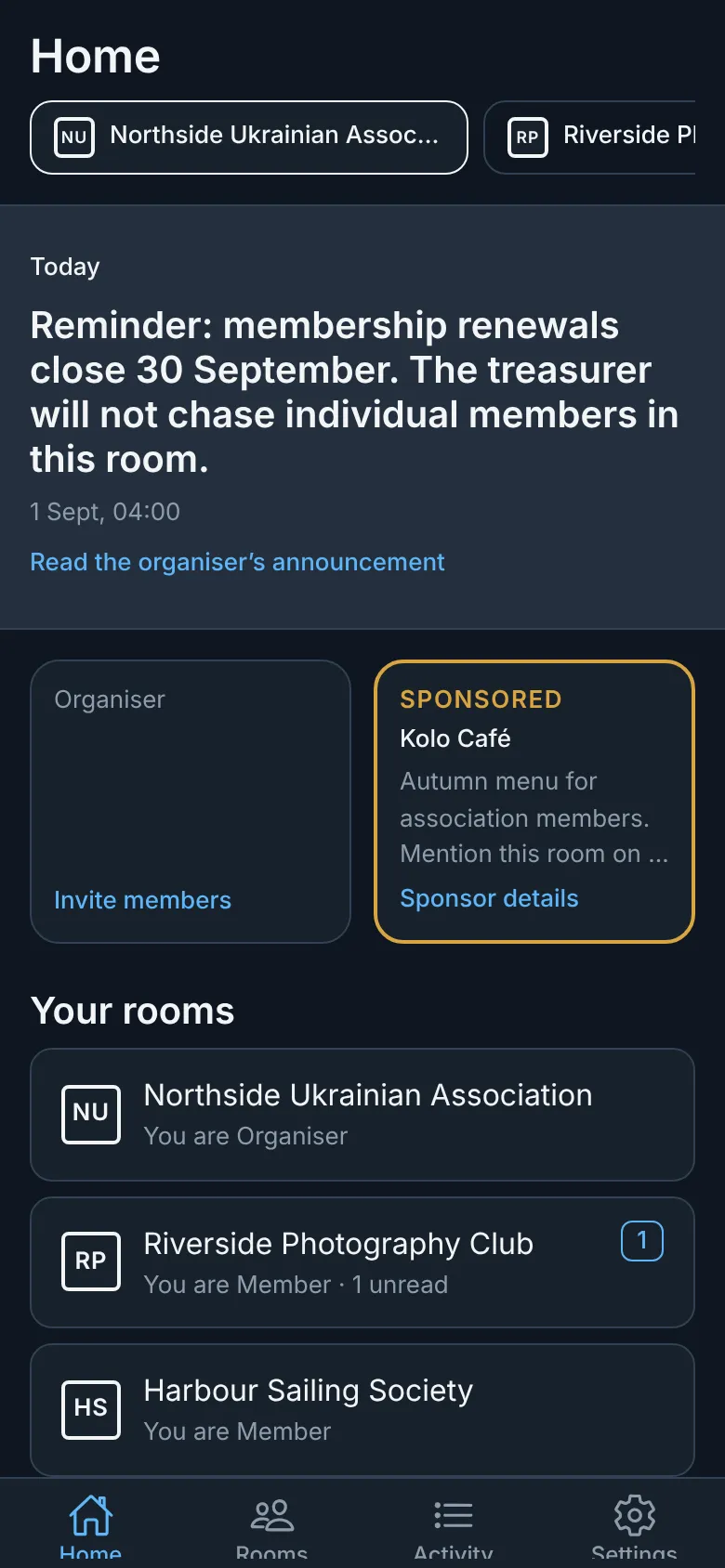
Open your invite link in Chrome. Open the menu, then Install app.
Computer Web app
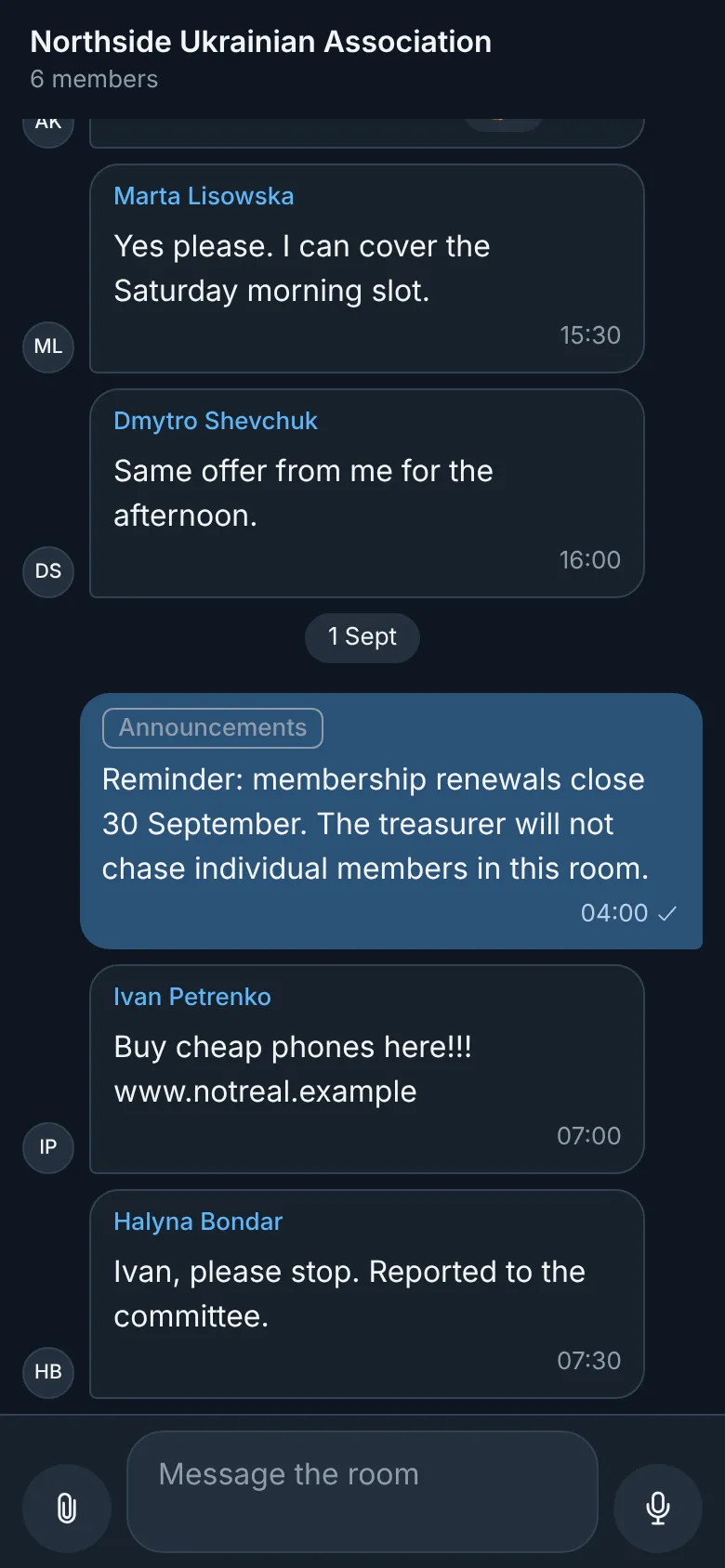
Open your invite link in Chrome, Edge, Firefox or Safari. Install it from the address bar, or keep it as a tab.
Have an invite link?
Open it on the phone or computer you want to use. No link? Ask your organiser. Run a group? Get started.
App Store and Google Play
Apps for Android and iPhone are on the way. Until then, the web app works on both.
Needs a recent browser: Safari on iOS 16 or later, or Chrome on Android 10 or later.