
Someone taps your invite link on a Tuesday evening. The app says they’ve joined, and then nothing happens. Nobody says hello, and the last message is a photo from Saturday’s match. The newcomer has no idea who runs the place or what it’s for. We think that silence costs more than most organisers realise. A short first message fixes it, and you only have to write it once.
Why the first day matters
New members decide quickly whether a chat is worth their attention. If the first thing they see is forty unread replies about a car park, they’ll mute it and probably never come back. That’s not rudeness. They’re protecting their phone.
So the job on day one is small: tell them they’re in the right place and what to expect. Keep it short. A message that needs scrolling won’t get read on a bus, and that’s where a lot of your members will open it, somewhere between work and the school run.
There’s a second reason. The first message sets the tone for everyone, not just the new person. When the organiser greets people warmly and plainly, members tend to copy it, and the chat feels looked after.
What goes into a welcome message for new members
Our rule of thumb is that a good welcome message for new members answers the questions a newcomer is too polite to ask. Who runs this chat? You, by name, plus any admins who can help. What is it for? One sentence will do: match days and club news, say, and not general chatter.
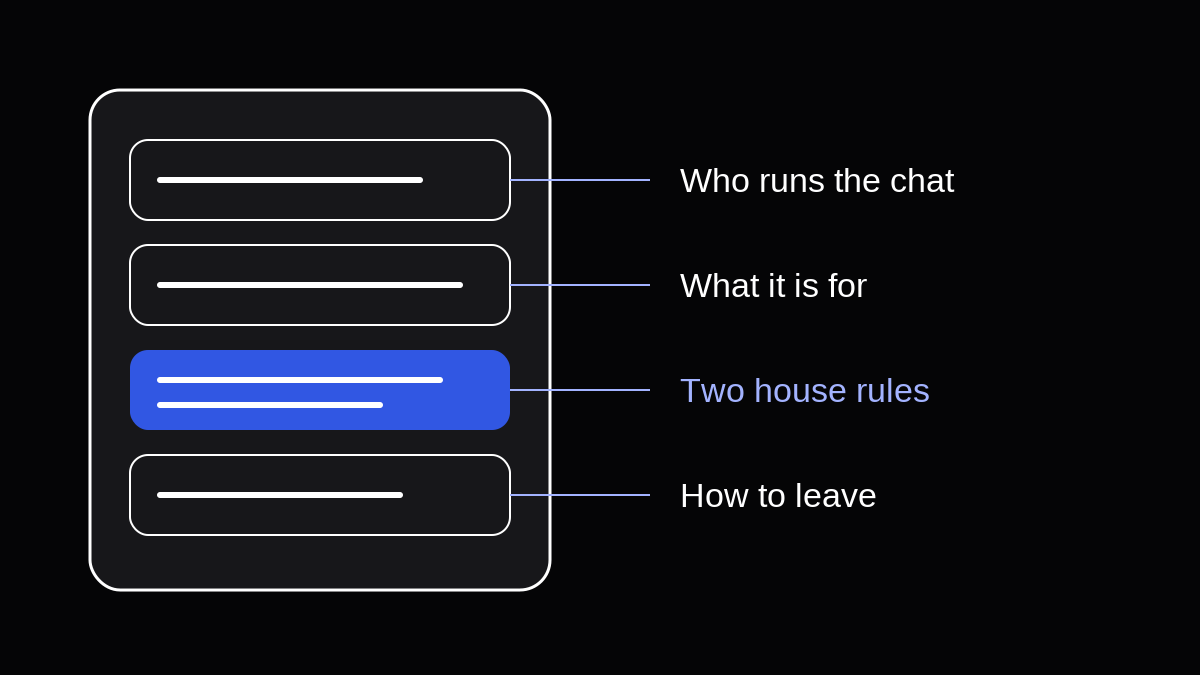
Then the rules. Not ten of them. Pick the two or three that actually cause trouble in your club or association. For a sports club that’s often selling kit in the chat. For a diaspora association it might be arguments about politics that drag on for days. The rest can live in a longer document if you have one.
Last, tell people how to leave. It sounds odd in a welcome, but members who know they can go without fuss tend to stay calmer. You’ll also get fewer awkward private messages later from people who felt stuck.
A template you can copy
Here’s a version we’d start from. Swap the parts in square brackets for your own and cut anything your group doesn’t need.
Welcome to [club]! I’m [organiser], and I run this chat with [admins]. It’s for [match dates and club news]. Two house rules: [no selling here] and [ask before posting someone’s photo]. Questions? Message me or any admin. And if it’s not for you, you can leave any time, no hard feelings.
That’s about sixty words. Resist the urge to add more. If people need the full club handbook, put it in a separate message straight after, so the welcome stays short enough to read in one glance.
Pinning it and repeating it
Most group apps let admins pin a message to the top of the chat or write a group description that shows on the info screen. Both are useful for a welcome message for new members. WhatsApp and Telegram don’t put these in the same place, and the steps move with updates, so check the app’s current settings rather than trusting an old screenshot.
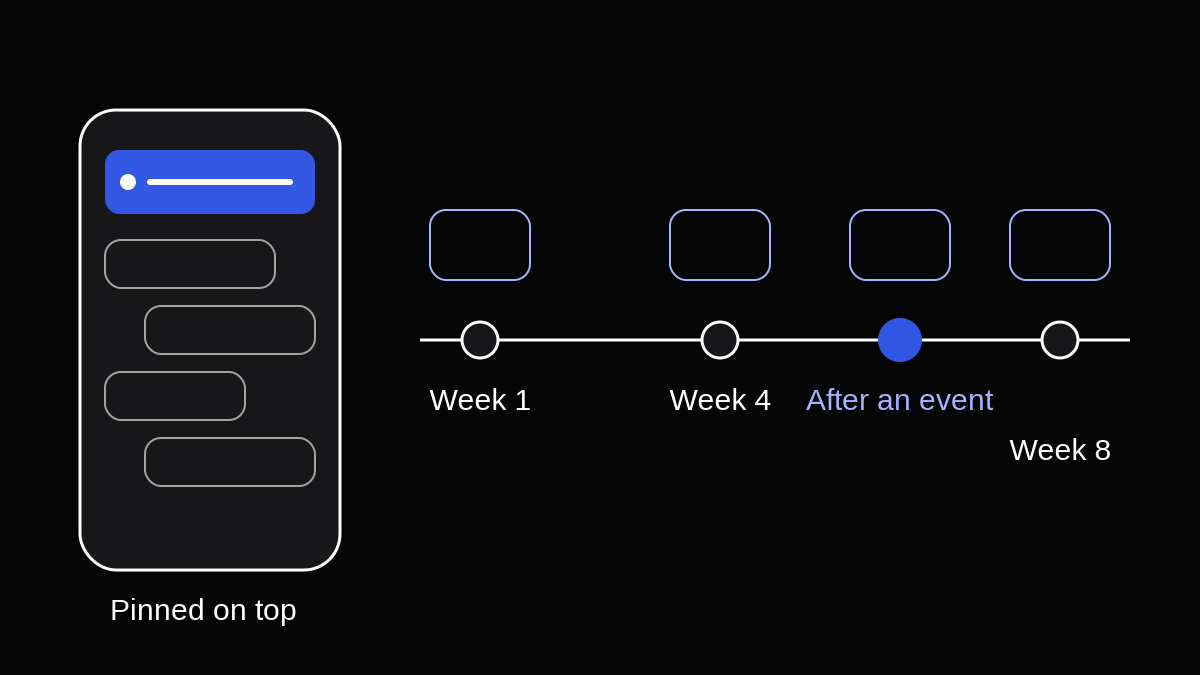
But don’t rely on the pin alone. Plenty of members never look at it. We’d repost the welcome every few weeks, or whenever a batch of people arrives after an event or an open evening. Some organisers worry this looks like nagging. We don’t think it does: for the newest people in the group chat, it’s the first time they’ve seen it.
Introductions without pressure
A quick hello helps people put names to faces. Invite it, don’t demand it. Something like “Feel free to say hi and tell us how you found the club” is plenty, and a one-line answer is fine.
What you should never ask for in a group chat is personal detail. Where someone lives is their business. So is their phone number. Most chat apps already show a member’s number to everyone else in the group, which is exposure enough without asking for more. Some people will stay quiet for weeks before they post anything, and they’re still members.
FAQ
Should I welcome each person by name?
In a small group, yes. It takes ten seconds and people notice. In a busy one with several joins a week, batch them: one message on Sunday that greets everyone who arrived, plus a pointer to where the rules are.
What if someone joins I don’t know?
Ask who invited them, kindly, and in a private message if the app allows it. Most of the time it’s a member’s partner or a friend from training. If nobody can vouch for them after a day or two, the organiser or admins can reasonably remove them and replace the invite link.
When the rules come before the join
Everything above is a workaround. The rules arrive after someone is already inside, and their phone number is already visible to everyone else. We built WLP Chat, a private, organiser-led community room, to change that order. The organiser writes the room’s purpose, rules and retention, and the invite link shows them to members before they join. Each member picks a separate name for that room, and nobody shares a phone number or email.
To be clear about where we are: WLP Chat messages are end-to-end encrypted, and an independent security audit is planned but not done yet. You can read more in our FAQ on privacy and security. If you organise a group of 50 to 500 adults and want to welcome new members with the rules already read, tell us about your organisation.