
Most associations have rules somewhere. Usually they sit in the group description, written one evening after a row about politics or a forwarded chain letter, and nobody has opened them since. Then the next argument starts and an admin types “please read the rules”. It helps no one. We don’t think the wording is usually the problem. It’s where the rules live and when people meet them. So here are five WhatsApp group rules that fit most clubs, with a template you can paste today. After that comes the calm way we’d enforce them.
Why members don’t read group rules
Think about how someone actually joins. A friend sends a link. They tap it and land in the middle of a conversation about Saturday’s room booking. Nothing on the screen points them to the description or the pinned messages. Those sit a couple of taps away.
So they learn the group’s habits by watching. If the last ten messages are memes, memes look welcome.
There’s a second problem. Rules written straight after a row read like a telling-off, and a new member feels scolded for something they didn’t do. We’d rather write rules in a quiet week and in a friendly tone. Then show them before people join instead of after.
Five rules most groups need
You don’t need a constitution. From what we’ve seen, these five cover nearly every row a members’ group has:
- Say what the group is for, in one sentence, so off-topic posts have something to be measured against.
- Keep announcements apart from the chat, either in a second announcements group or by asking members not to reply underneath them.
- Treat each other with respect: argue with an idea, never attack a person.
- Members’ numbers, photos and screenshots stay in the group and aren’t shared outside it without permission.
- Explain what admins do when a rule is broken, so nobody is surprised when it happens.
The last one is the rule most groups skip. It’s also the one that saves the most arguments later.
A template you can copy
Here’s a block you can post as it is. We wrote it for a typical adult association, and it runs under 120 words.
Welcome. This group is for members of our association to share news about events and volunteering.
- Official announcements come from the committee. Please reply to them in the main chat, not underneath.
- Stay on the association’s business. Politics and adverts belong somewhere else.
- Be kind. You can disagree with an idea, but never insult a person.
- Don’t share members’ phone numbers or photos outside this group without asking them first.
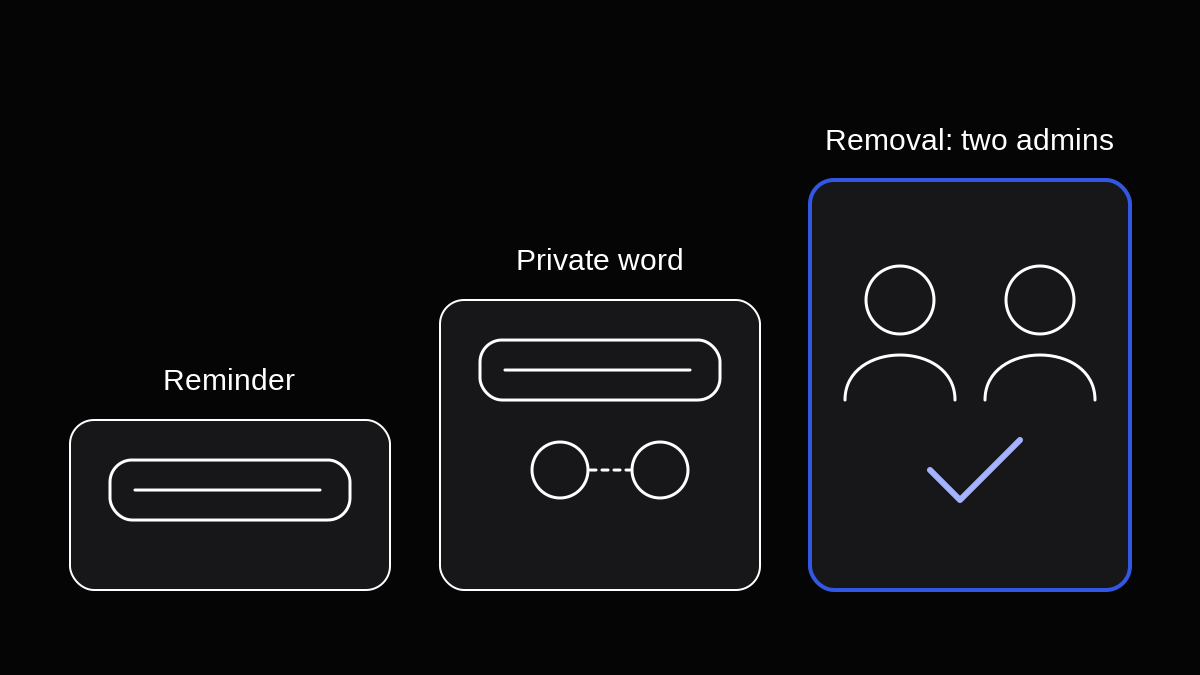
- If a rule is broken, an admin will post a reminder, then message you privately. Repeated problems can lead to removal, agreed by two admins.
Where to put the rules so people read them
Put them in the message that carries the invite link. People read that message before they tap, and it’s the one moment you’ve got their full attention.
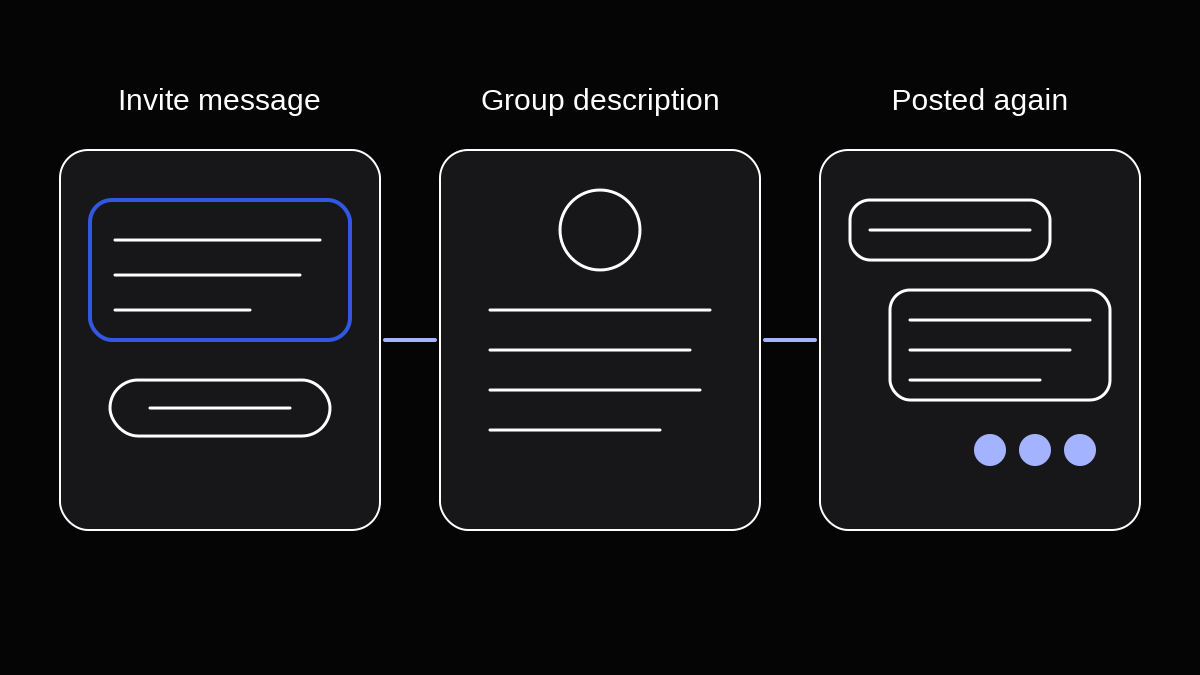
Then copy them into the group description, where they’re easy to find later. Post them again whenever the group changes, say when a new committee takes over or a busy season brings a wave of new members.
One habit we like: ask each new member to react to the rules message with a thumbs-up. It takes a second and shows you who has seen them. It also turns rules for members into something people agreed to, not something hidden in a menu.
How to enforce the rules without a row
Our advice is to keep the steps the same every time. First, a short reminder in the group that names the rule, not the person. If it happens again, a private word. Removal comes last, and only when two admins agree.
Write a one-line note of each decision for the committee, with the rule and what you did. When someone asks months later why they were removed, you’ll find the answer in one place instead of in four people’s memories.
The same rules apply to committee members. Nothing drains trust faster than a chair who posts adverts while others get warned.
What about a thread that’s overheating? Admins can set the group so only admins send messages for a while, as WhatsApp’s help centre describes. In our view an hour of quiet does more than any clever reply. Check the app’s current settings for where that option sits.
FAQ
How many group chat rules are enough?
Three to five. Past that, people start skimming, and the rule that matters gets lost among the obvious ones.
Who should write the rules?
The committee, together. We’d agree the wording and date it, so the rules don’t read like one admin’s view typed late at night.
Can I make a WhatsApp group admin-only?
Yes, admins can let only admins send messages. That suits an announcements group or a cooling-off hour. Menus move between versions, so check the app’s current settings.
Rules in a WLP Chat room
We built WLP Chat so the rules come first. Each room’s invite link shows the room’s purpose and its rules, with a version number. A member reads it and accepts it before joining. When the organiser changes the rules, the version number changes too, so everyone can see which rules they signed up to. That makes rules for members part of the door rather than a note pinned behind it.
There’s more on how rooms work on WLP Chat for organisers. One plain point from us: messages are end-to-end encrypted, and an independent security audit is planned but not done yet. Whether or not you move, good WhatsApp group rules will do a lot for your members, wherever the group lives.
If you organise a group of 50 to 500 adults and want to try this with your members, tell us about your organisation.