
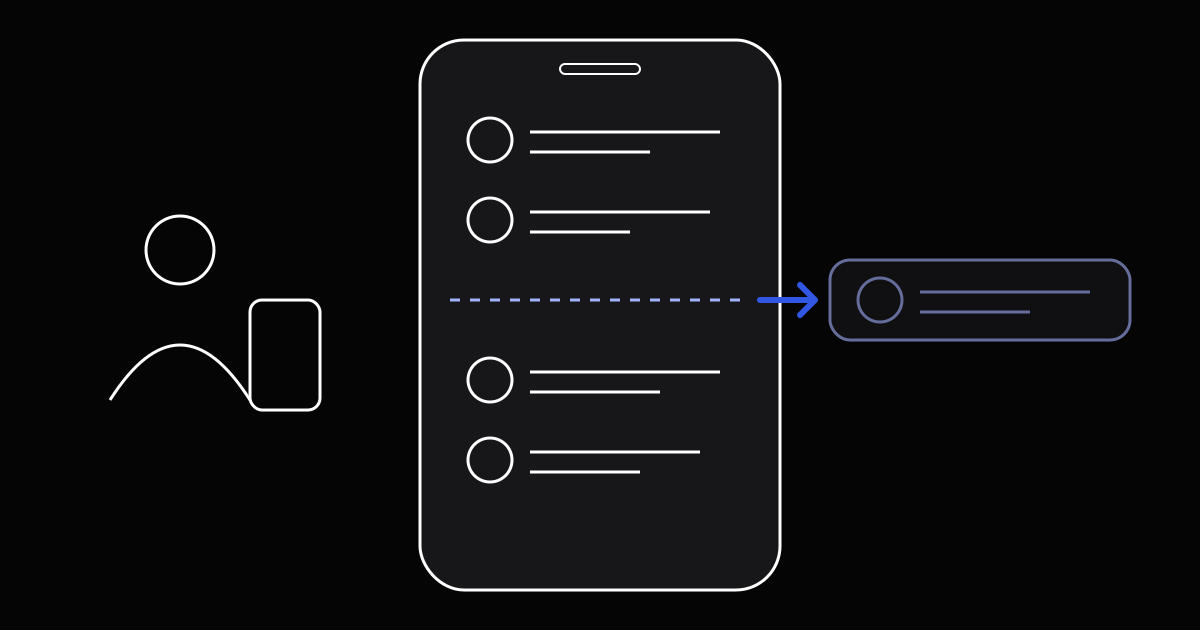
WhatsApp doesn’t remove inactive members from a group for you. It deletes accounts that haven’t connected for about 120 days, and a deleted account drops out of all its groups, but someone who simply stopped reading stays until an admin removes them. There’s no list of inactive members either, so the work is yours: a week is enough.
Picture an association group of a couple of hundred people where somebody who moved away years ago still gets every reminder about subs. Nobody added them by mistake, and nobody ever took them out. The actual work of clearing a group like that comes to about an hour, spread over three days. One warning first: WhatsApp’s menus change between versions, so we’d always check the app’s current steps on your own phone rather than trust a screenshot someone saved last year.
Decide who counts as inactive
Settle this with the committee before you touch the group. Our rule is three plain tests: the person left the association, didn’t renew, or asked to go.
Silence isn’t on that list. Plenty of members read every announcement and never post a word, and they’re often the ones who turn up to events. Quiet readers are members. If you judge by who posts, you’ll end up removing people who pay their subs while the loud former member who still argues in the chat stays put. So we’d write the tests down and agree them in one committee thread, before anyone opens the participant list.
Day 1: check the group against your membership list
Open the group info and go through the participants by hand. It’s slow. In a group of a few hundred it takes maybe half an hour with a cup of tea, and you sort everyone into current members, former members, and numbers nobody recognises.
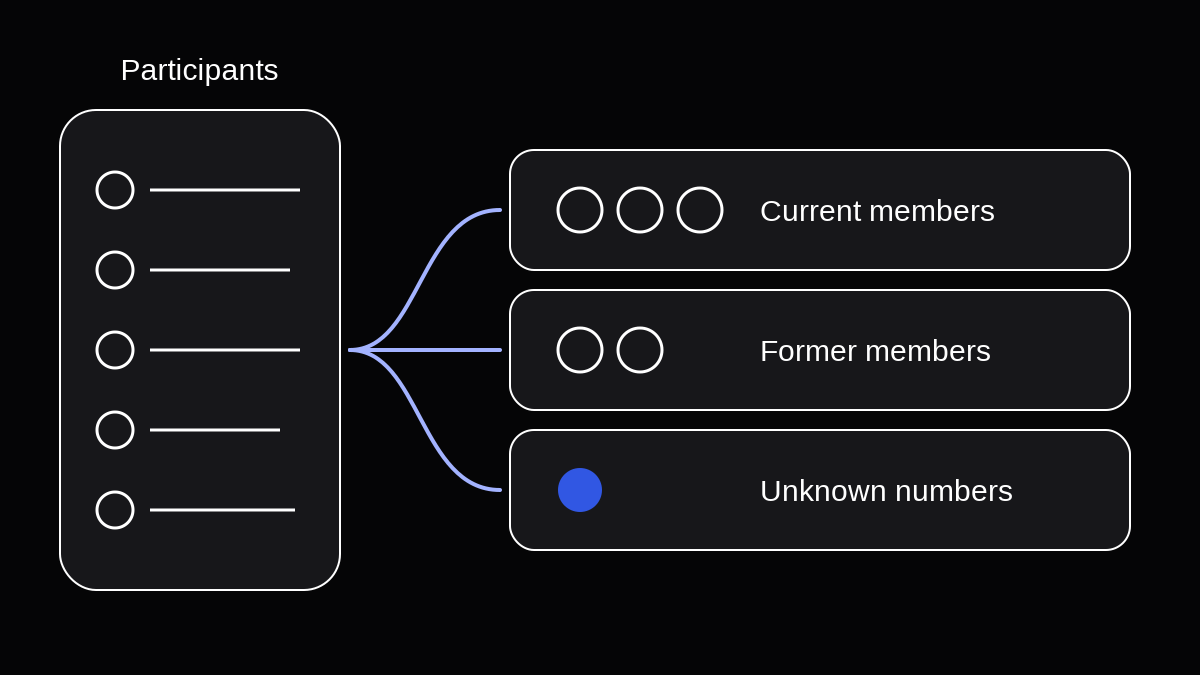
Those unknown numbers surprise most organisers. A number with no saved name and a display name like “J” could be a member’s new phone. It could also be someone who got the invite link from a friend of a friend, so ask the committee before you decide anything.
Keep the sorted list within the committee. It says who has left and why, and we wouldn’t put it in the group itself or in a shared folder half the members can open.
Day 2: post a notice with a date
Post one message and pin it if you can, so it doesn’t scroll away under the next event photo. Tell people what happens on day 7 and why. Then tell them how to stay. Here’s a notice you could post as it is:
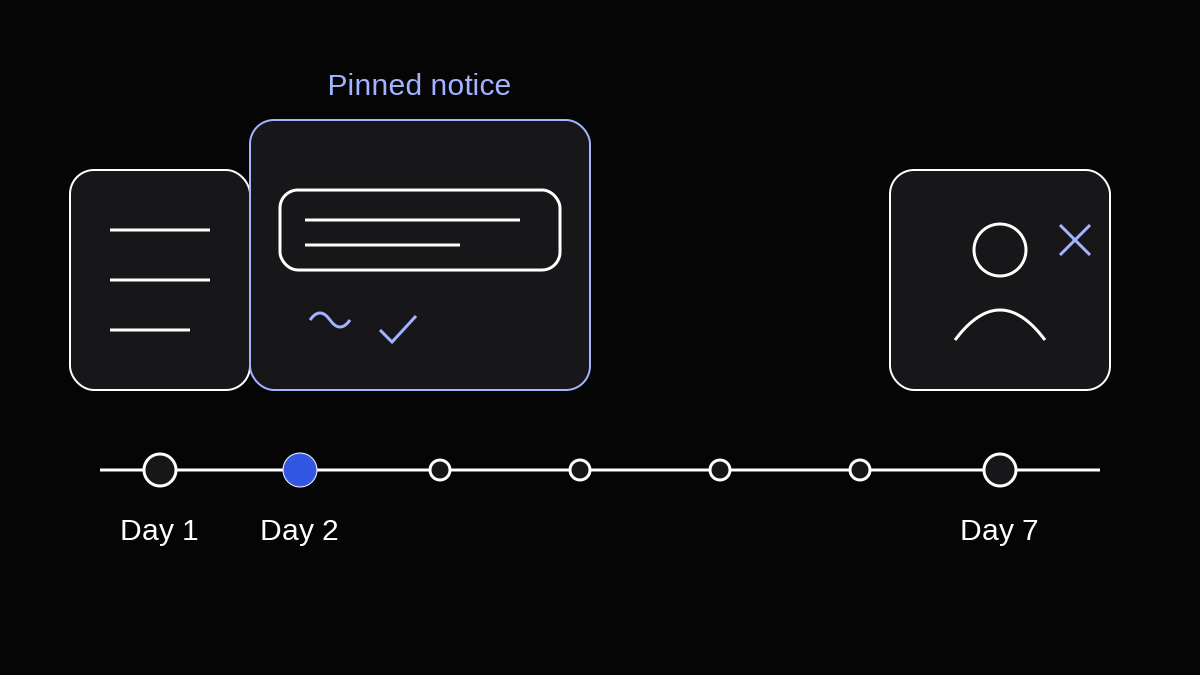
“Next Sunday we’ll tidy this group so it only has current members of the association. If you’re still a member and want to stay, just reply or react to this message. Anyone who has left or doesn’t reply may be removed, and you’re welcome back as soon as you rejoin.”
A reply and a reaction both count. We’d tick people off on the Day 1 list as they come in, which saves a scramble on the last evening.
Day 7: remove people, politely
Only group admins can remove members, so this part is the admin’s job:
- Android: open the group, tap its name, tap the member, then Remove and OK.
- iPhone: open the group, tap its name, tap the member, then Remove from Group and Remove.
Start with the numbers nobody recognised and nobody vouched for during the week. After that, move on to former members who didn’t reply.
Where someone would expect it, send a one-line goodbye: “We’ve taken you out of the group now you’ve left the association; thank you for everything, and the door’s open.” A founding member who stepped back deserves that line. A number nobody can place doesn’t.
Write down who was removed and why, in the committee’s notes rather than the group. When somebody asks in three months why they’re gone, you’ll find the answer in one place instead of four people’s memories.
Keep the group from filling up again
Reset the invite link straight after the clean-up. Anyone with a link can join and forward it, and an old link is probably sitting in a dozen other chats by now. A reset link can’t be restored, which is the point.
Then decide who can add people. We’d let only admins add members or share the link, or turn on Approve new members, so each request goes past someone who actually knows the association. Check the app’s current settings for where these options sit.
Repeat the check once a year, at renewal time or just after the AGM, when your membership list is freshest and the second round takes a fraction of the first.
And if the week showed you the group has outgrown a chat, with half the participants strangers to each other, read our guide to moving a group chat off WhatsApp before the next renewal round.
FAQ
Does WhatsApp remove inactive members by itself?
No, not quiet ones. WhatsApp’s Help Center says accounts are generally deleted after 120 days without connecting, and a deleted account is removed from its groups. Contacts may then see that the profile was removed automatically. Someone who left your association is a different case: they may still use WhatsApp every day.
Should I remove members who never post?
Our view is no. Reading the announcements is taking part, and for many members it’s the only part they want. We’d remove people by membership, never by noise.
What happens if the only admin leaves the group?
WhatsApp picks another member at random to be admin. That could be anyone at all, so name a second admin before anyone steps down, ideally another committee member.
How a WLP Chat room deals with people who leave
We built WLP Chat for groups that keep hitting this wall. In a WLP Chat room the organiser sees reads, joins and leaves in that room only, never across a member’s other rooms. Invite links expire and can be revoked in a tap, so an old link forwarded years ago can’t bring someone back in. The invite link also states how long messages stay. Members can leave whenever they like and delete everything the app stored on their phone.
We’ll be plain about where it stands: messages are end-to-end encrypted, and an independent security audit is planned but not done yet.
If you organise a group of 50 to 500 adults and want to remove inactive members by design rather than by a yearly clean-up, tell us about your organisation.