
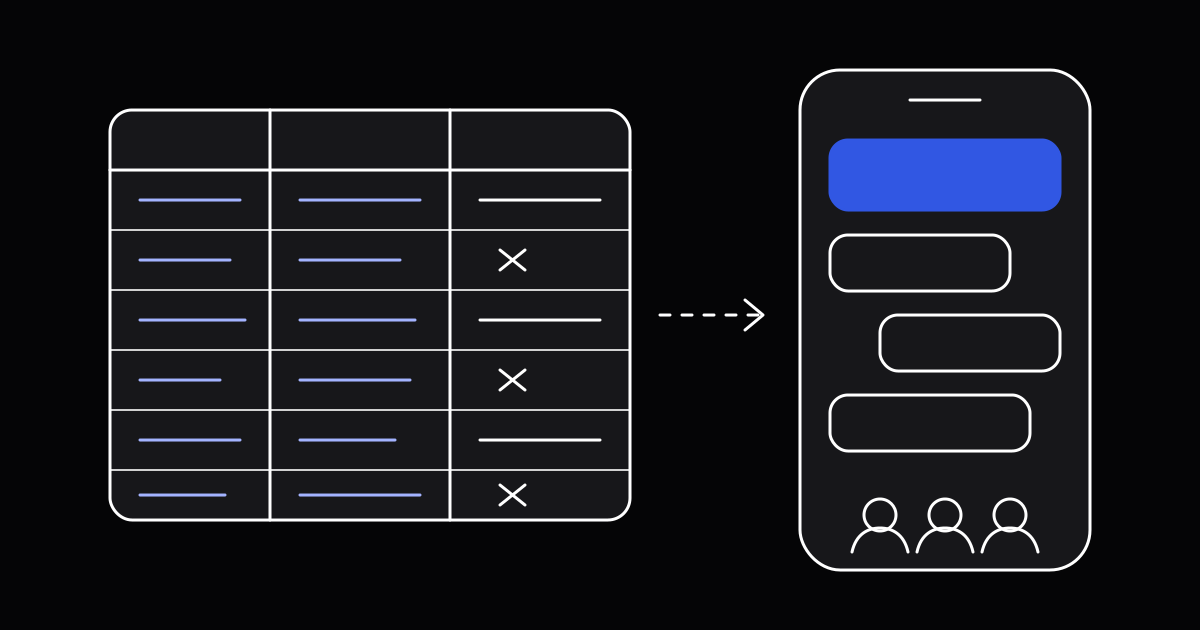
You’ve got a spreadsheet with 300 graduates on it, and you suspect half the phone numbers stopped working years ago. Some people moved abroad. Some changed surnames, and a few only ever gave the school their parents’ landline. What you want is one place where they can all hear about the next reunion. We build WLP Chat for organisers in exactly this spot, so here’s how we’d set up an alumni group chat, in the order we’d do it.
One chat or one per year group
Start with one main room for announcements: reunions, dates, news from the school. Only the organiser and one or two helpers post there, so it stays short enough that people read it.
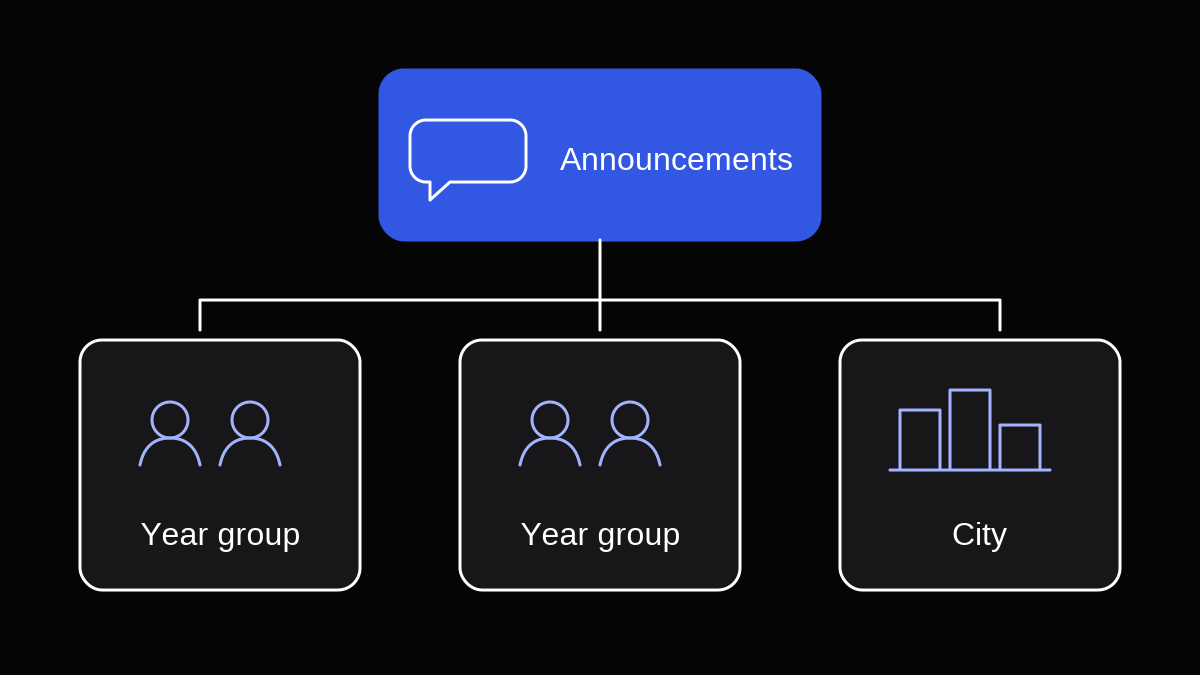
Then let smaller rooms grow underneath. A year group usually wants its own chat, because people who sat in the same classes have far more to say to each other than to graduates twenty years apart. City rooms work too, once enough members live in London or Berlin to meet for a drink after work. Don’t open ten rooms on day one, though. Empty rooms look abandoned, and an abandoned room puts people off the whole thing. Open a second room once members ask for one.
Finding people again
Old class lists are the obvious start, and they’re usually the weakest source, because the numbers on them are out of date. The school or university alumni office is worth an email. It often has newer contact details and can forward your invite without handing you anyone’s data, which saves you a privacy headache.
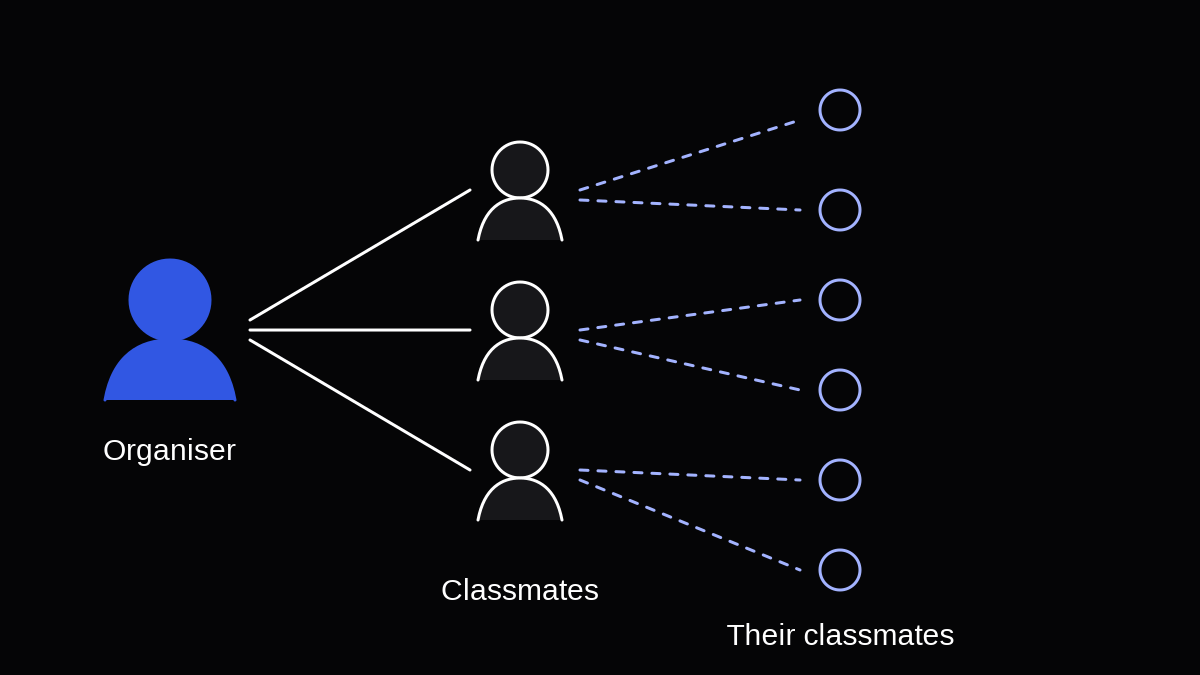
But the best channel is people themselves. Ask each member who joins to invite the two or three classmates they still talk to. It’s slower than a mass message, but those invites get opened because they come from a name the person recognises, and you’ll always know who brought whom. If an old chat for one year group still exists somewhere, post the invite link there once and let people come across in their own time.
Rules for people who have not met in years
People who haven’t seen each other since graduation don’t share unwritten rules any more, so write them down and keep them short. Put them where the invite link shows them, so a member agrees to them before their first message. Say what the room is for (staying in touch and hearing about events) and what’s off-topic, such as politics or long forwarded videos.
Add a plain line on selling: no promoting your business in the main room, though a jobs thread is fine. And decide retention up front, before anyone argues about it. We’d keep messages for a year in the main room. That’s long enough to find last spring’s reunion photos and short enough that nobody worries about an old joke resurfacing.
Picking the tool
Most alumni already use WhatsApp, and that’s the easiest place to start. The trouble is that every member’s phone number is visible to everyone else in the group, including classmates they barely remember. For 300 people who last met at eighteen, plenty will hesitate before joining, and some won’t join at all.
That’s the gap we built WLP Chat for. Members read the room’s purpose and rules in the invite link before they join, pick a separate name for each room, and never share a phone number or email. If your alumni network has between 50 and 500 adults, you can check whether your group fits in a couple of minutes.
Keeping it alive after the reunion
Every alumni group chat goes quiet the week after the reunion. That’s normal and doesn’t mean the group has failed. What keeps it alive is a reason to open it once a month.
Events are the easy one: a summer drinks evening, a careers talk at the old school. Jobs come second. Graduates who are hiring, or looking for work, post more readily in a room where they know the faces. Then there’s news from the school, a teacher retiring or a building reopening, which tends to get more replies than anything else an organiser posts. One thing a month is enough, even a small one.
FAQ
Should partners and staff be in the alumni group chat?
Usually not in the main room. Partners can come to reunions without reading every message, and staff often prefer a looser tone of their own. If former teachers want to join, a separate staff and alumni room keeps both sides comfortable.
Who moderates when the organiser lives abroad?
A second moderator in the home city. Time zones mean you’ll miss things, so pick someone from a different year group who can remove a spam account or answer a question at 9 in the morning local time. Agree between you who handles reports, so a member never waits two days for an answer.
What about members under 18 who are not yet alumni?
They wait until they’ve left school and turned 18. WLP Chat is for adults only, so current pupils can’t join a room, and we’d keep young leavers out of the alumni network until their birthday.
Getting your alumni network started
If you look after an alumni community and have a few hundred names on a spreadsheet, the room can be ready before your next reunion. If you organise a group of 50 to 500 adults, tell us about it at https://wlpchat.club/get-started/ and we’ll reply within two working days.